Miro
What is Miro?
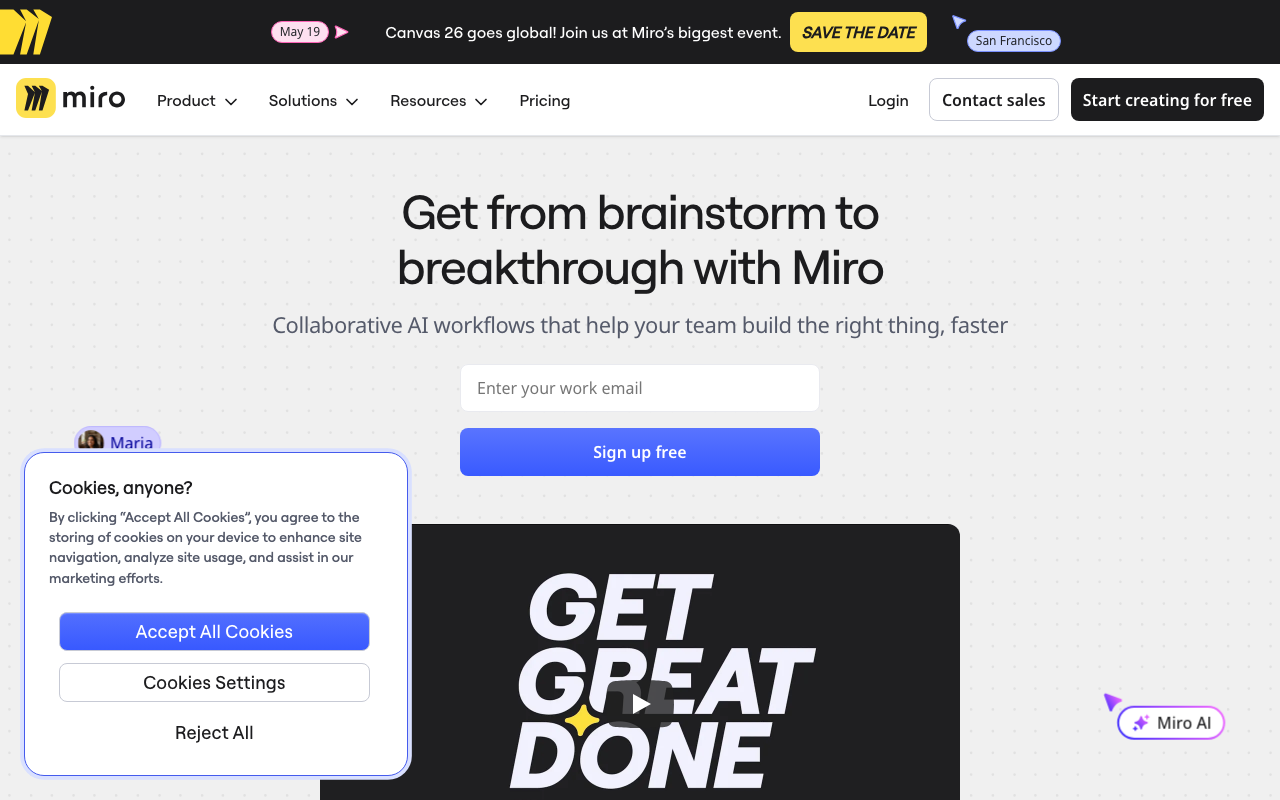
Miro is an online collaborative whiteboard platform designed for teams to brainstorm, plan, and work together visually. With an infinite canvas and hundreds of built-in templates, it has become one of the most popular tools for workshops, design sprints, and remote collaboration.
Key Features
- Infinite Canvas — unlimited space for ideas with sticky notes, shapes, connectors, and freehand drawing
- Templates Library — hundreds of ready-made templates for brainstorming, retrospectives, user story maps, and more
- Real-Time Collaboration — multiple users can work simultaneously with live cursors, comments, and video chat
- Mind Maps & Diagrams — built-in tools for mind mapping, flowcharts, and wireframing
- Integrations — connects with Slack, Jira, Asana, Google Drive, Microsoft Teams, and 100+ other tools
Pricing
| Plan | Price | Key Limits |
|---|---|---|
| Free | $0 | 3 editable boards, 10 AI credits/mo |
| Starter | $8/member/mo (annual) | Unlimited boards, private boards |
| Business | $16/member/mo (annual) | SSO, guest editing, advanced integrations |
| Enterprise | Custom | SCIM, data residency, dedicated support |
Pros & Cons
Pros: Extremely versatile with a massive template library, smooth real-time collaboration even with large teams, and strong integrations with project management and design tools. The free plan is generous enough to get started.
Cons: Can feel overwhelming for new users due to the sheer number of features. Performance may slow down on very large boards. Pricing adds up quickly for larger teams since it is per-member.
Verdict
Miro is the industry standard for online collaborative whiteboards and an excellent choice for facilitators running workshops, brainstorming sessions, and design thinking exercises. The free plan with 3 boards is enough to try it out, while the Starter plan at $8/month per member offers great value for teams that need unlimited boards.